How to Choose a Good Pair of Headphones Without Overspending
Headphone shopping gets expensive fast because price tags are easy to compare and sound quality isn't

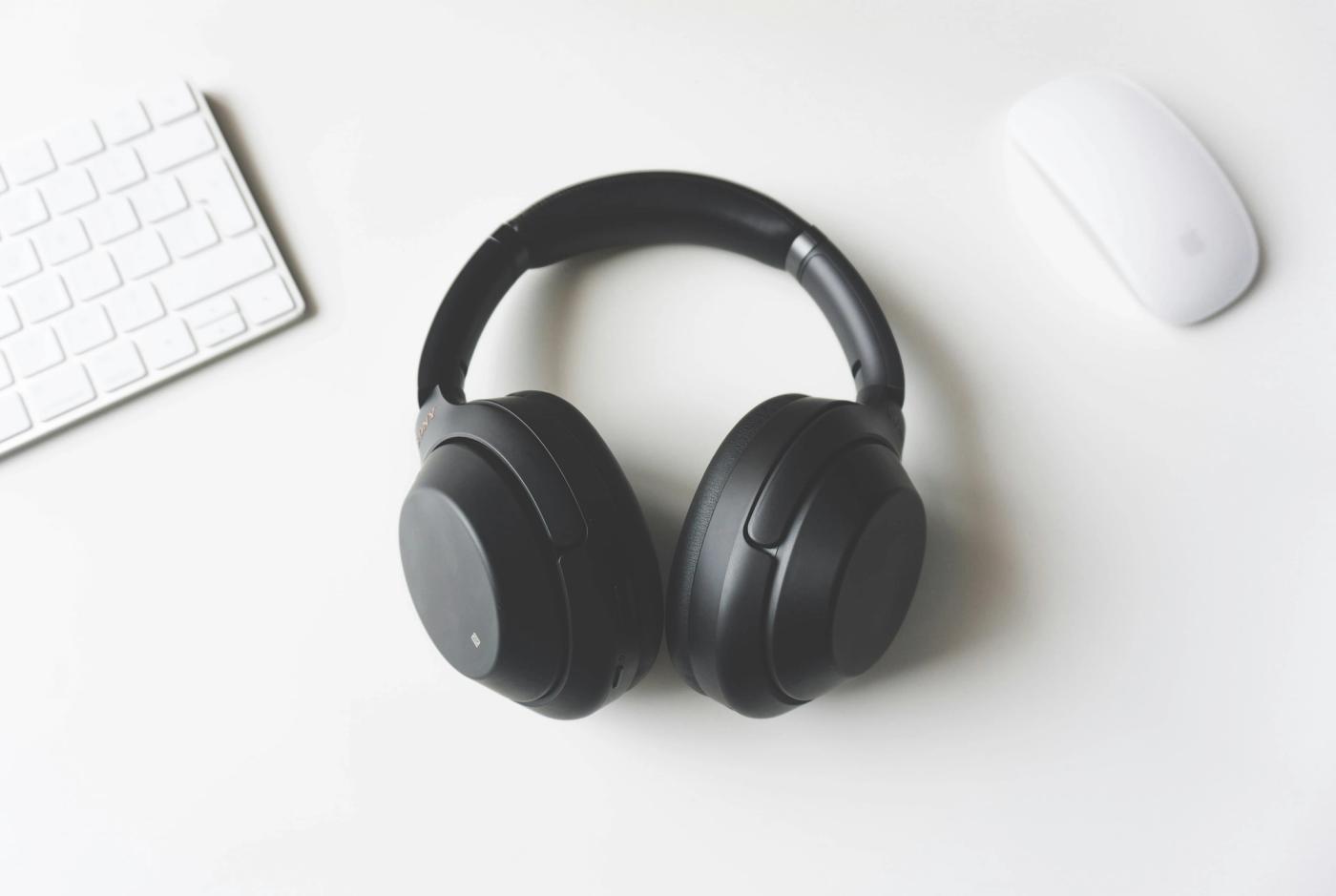
Headphone shopping gets expensive fast because price tags are easy to compare and sound quality isn't. You can spend $300 and still end up with headphones that hurt after an hour, sound wrong for your music, or include features you'll never touch. A few simple checks will help you spend money on the parts you'll actually notice.
Start With What You Actually Need
1. Decide where you'll use them most
Pick the place where you'll use your headphones most often: commuting, working at a desk, exercising, gaming, or listening at home. That decision immediately tells you which features deserve your money. A commuter may benefit from active noise cancellation, while someone listening alone in a quiet bedroom may get more value from better sound and comfortable ear pads.
Write down your main use before you start shopping. If you expect to use the headphones in several places, rank those situations instead of trying to find a pair that's perfect at everything.
2. Choose the right headphone type
Over-ear headphones surround your ears and are usually the easiest choice for long listening sessions, but they're bulky in a bag. On-ear models are smaller, though the pressure against your ears can become uncomfortable after an hour or two. Wireless earbuds are far easier to carry and exercise with, but their small batteries and easy-to-lose design create different compromises.
Don't pick a type because it looks better in photos. Think about where you'll store it, how long you'll wear it, and whether you'll mind carrying a case every day.
Spend on the Features You'll Notice
3. Make a short list of features before setting your budget
Separate features into two columns: "need" and "nice to have." Your needs might include Bluetooth, a built-in microphone, physical controls, active noise cancellation, or a wired connection. Keep the second column for extras such as app-based EQ settings, multipoint Bluetooth, touch controls, or elaborate spatial-audio modes.
Then set your maximum price based on the first column. Don't increase it because a more expensive model has six extra features you didn't want five minutes ago.
4. Put comfort ahead of tiny sound differences
If possible, wear the headphones for at least 10 to 15 minutes before buying them. Check whether the headband creates a pressure point, the ear cups squeeze your glasses, or the earbuds start working loose when you move your head. For over-ear models, make sure your ears fit inside the pads rather than pressing against their edges.
Comfort matters because uncomfortable headphones eventually stay in a drawer. A slightly cheaper pair you can wear for three hours is a better purchase than a technically better pair you want to remove after 30 minutes.
Pro Tip: If you're choosing between two headphones that sound equally good to you, buy the more comfortable pair. You'll notice sore ears every single day; you probably won't notice a tiny difference in audio detail once you're actually listening to music.
5. Test sound with music you already know
Use three or four songs you've heard dozens of times rather than a polished store demo or unfamiliar playlist. Include one track with clear vocals, one with strong bass, and one with several instruments playing together. Listen for whether voices sound natural, bass stays controlled instead of swallowing everything else, and individual instruments remain easy to follow when the song gets busy.
Don't assume more bass means better sound. If the bass makes vocals disappear or turns kick drums into a constant rumble, you'll probably find it tiring once the initial excitement wears off.
Check the Boring Stuff Before Paying
6. Treat wireless features as practical tools
If you're buying wireless headphones, check battery life against your real routine rather than chasing the biggest number on the box. Someone who listens for two hours during a commute has very different needs from someone wearing headphones through an eight-hour workday. Look at charging time too, because a huge battery is less useful when forgetting to charge it leaves you without headphones for hours.
Check whether you can use a cable when the battery dies if that matters to you. And if you regularly switch between a laptop and phone, multipoint Bluetooth can save you from manually disconnecting and reconnecting every time.
7. Compare the total package, not the headline feature
Before paying, compare two or three models at roughly the same price and look at what comes in the box. Check whether replacement ear pads or ear tips are available, whether the charging cable uses a connector you already own, and whether a carrying case is included if you need one. Small replacement costs can make a cheap pair less cheap over a couple of years.
Pay attention to the warranty and return policy as well. Headphones are unusually personal, so a pair that looked perfect online can still clamp too tightly, fit your ears badly, or sound completely different from what you expected.
8. Stop upgrading once your needs are covered
Go back to the "need" list you made earlier and check every item. If one pair covers those requirements, feels comfortable, and sounds good with your familiar tracks, you have a viable choice. Compare more expensive options only when you can name the specific improvement you're paying for, such as stronger noise cancellation for a daily train commute or a better microphone for work calls.
Set a hard spending ceiling before the final comparison. Headphone prices can climb quickly, and each extra $50 becomes much harder to justify once your basic needs are already covered.
Common Mistake to Avoid
The biggest beginner mistake is treating price as a shortcut for quality. Expensive headphones can offer better materials, stronger noise cancellation, or more detailed sound, but none of those improvements matter if the headphones don't fit your ears or your routine. Decide what you need first, then judge every extra dollar by what it actually changes when you put the headphones on.
Now you're ready to choose headphones based on how you'll actually use them instead of whichever model has the longest feature list. Set your limit, test the things you'll notice every day, and keep the money that would've paid for features you never needed.

Jude Archer
Author at SofaBreak — writing on guides and everyday curiosities.