How to Get the Most Out of a Free Spotify Account
Running into ads every few songs can make listening feel like a chore. And when you can't play every track on demand or download music for offline listening, it's easy to think you need a paid subscription

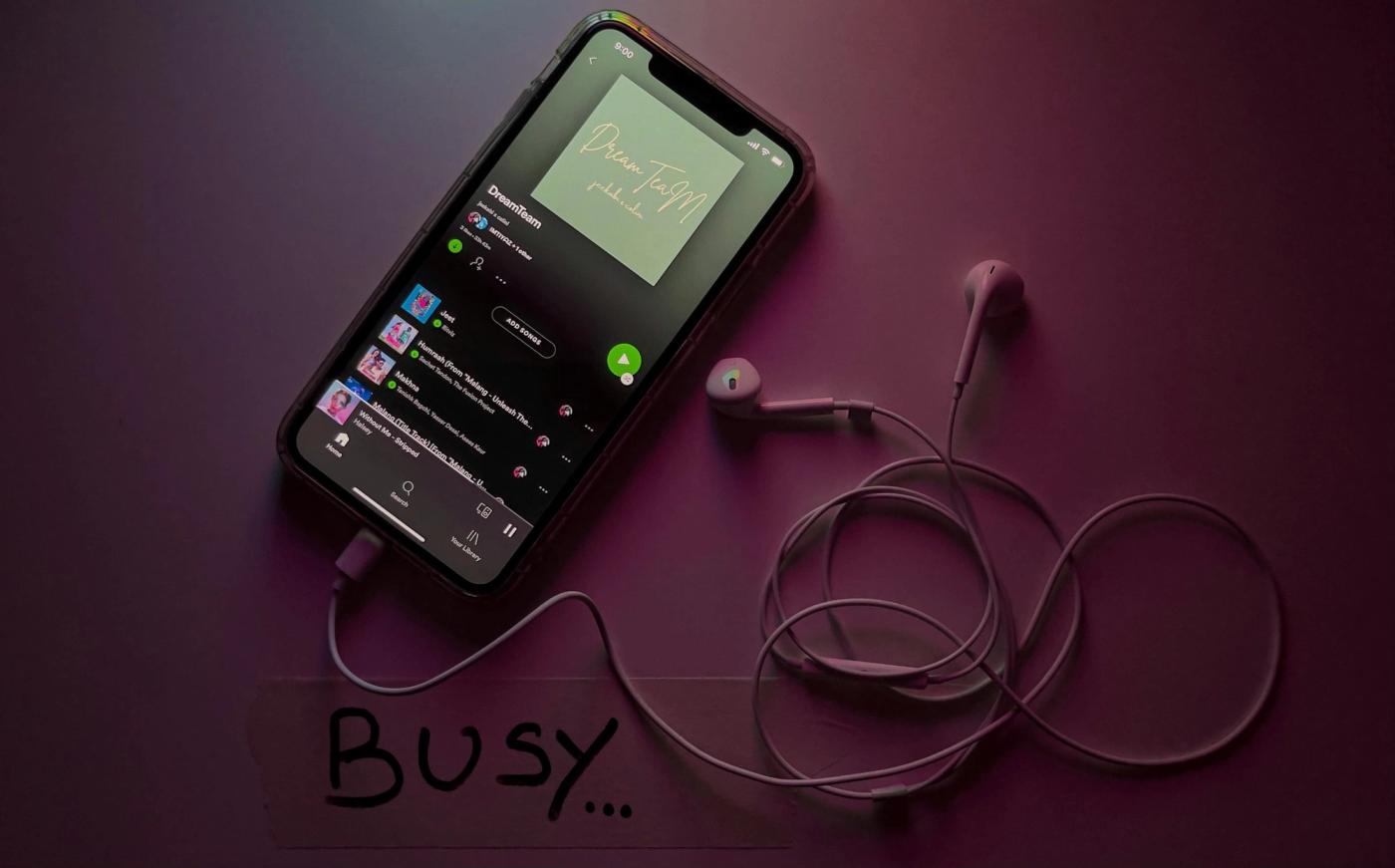
Running into ads every few songs can make listening feel like a chore. And when you can't play every track on demand or download music for offline listening, it's easy to think you need a paid subscription. You don't. With a few smart habits, you can enjoy a much better experience without spending a cent.
1. Spend a Few Minutes Setting Up Your Music Taste
Open Spotify and search for artists, albums, and songs you already enjoy. Tap the heart or "Add to Liked Songs" whenever you find something you want to hear again. The more music you save, the faster Spotify learns what you like and starts recommending playlists that actually match your taste.
Don't rush this step. Even adding 30 or 40 songs from different artists gives Spotify enough information to improve your recommendations. You'll spend less time skipping tracks and more time listening to music you genuinely enjoy.
2. Use Spotify's Free Playlists Instead of Building Everything Yourself
Search for playlists based on your mood, activity, or favorite genre. Try terms like "workout," "chill," "road trip," or "indie rock" instead of searching for individual songs every time you open the app. Spotify updates many of its playlists regularly, so they stay fresh without any work from you.
Follow the playlists you enjoy so they're easy to find later. You'll build a personal collection that fits different parts of your day, whether you're studying, cooking dinner, or heading out for a walk.
3. Train Spotify's Recommendations Every Week
Take a few minutes each week to like songs you enjoy and hide tracks you never want to hear again. This small habit teaches Spotify what belongs in your recommendations and what doesn't. Because your listening habits change over time, regular feedback keeps your suggestions relevant.
Check playlists like Discover Weekly or Daily Mixes whenever they update. If you find a song you love, save it right away. If something misses the mark, skip it without hesitation.
Pro Tip: Spend just five minutes every week liking great songs and hiding bad recommendations. That small routine has a bigger impact on your future playlists than endlessly searching for new music yourself.
4. Create Simple Playlists for Different Parts of Your Day
Instead of throwing every favorite song into one giant playlist, create separate playlists for different situations. You might have one for the gym, one for relaxing, one for driving, and another for focusing at work. Finding the right music becomes much faster when everything has a place.
Keep each playlist updated. Remove songs you always skip and add new favorites as you discover them. A smaller playlist full of songs you actually enjoy beats a massive collection that feels random.
5. Use Spotify Connect When Listening at Home
If you have a smart TV, speaker, game console, or another compatible device, look for the Spotify Connect option inside the app. It lets you control playback from your phone while the music plays through another device. That means you can change tracks or adjust the volume without standing next to your speakers.
Make sure both devices are connected to the same Wi-Fi network before you try to connect them. Once everything is set up, switching between devices takes only a few taps.
6. Download Podcasts for Offline Listening
Free Spotify accounts can't download music for offline playback, but many podcasts are available to download. If you have a commute, flight, or long trip coming up, download a few podcast episodes while you're connected to Wi-Fi. You'll save mobile data and always have something ready to listen to.
Follow podcasts that match your interests so new episodes appear automatically in your library. Whether you enjoy comedy, business, sports, or true crime, you'll always have fresh content available even when your internet connection isn't.
7. Manage Your Data and Notifications
Open Spotify's settings and check options for audio quality, notifications, and data usage. If you listen on mobile data often, lowering streaming quality can help your monthly data allowance last much longer. When you're on Wi-Fi, you can increase quality again if you prefer clearer sound.
Turn off notifications that don't interest you so the app feels less distracting. You'll spend more time listening and less time clearing alerts you never planned to open.
Common Mistake to Avoid
Many beginners ignore the Like button and keep searching for the same artists every time they open Spotify. That leaves Spotify guessing what you enjoy, so recommendations stay generic and repetitive. Every song you save helps the app learn your taste. A few taps today can improve your listening experience for weeks.
Now you're ready to enjoy a free Spotify account without feeling like you're constantly fighting the app's limits. Build a few good habits, keep your library updated, and you'll get far more value from the free version than most people ever do.

Ira kapoor
Author at SofaBreak — writing on guides and everyday curiosities.